
We’re happy to announce that Shiny for Python v1.8 is now on PyPI!
pip install -U shinyThe highlights: test_server() runs your app’s server logic in memory so you can test it without a browser, ui.page_html() lets a complete HTML document (say, the index.html your JS bundler emits) be the app’s UI, and session.allow_reconnect() lets the browser reconnect to a live session after a dropped connection.
Full details are in the Shiny for Python changelog.
In-memory server testing#
Until now, testing a Shiny for Python app meant one of two things: unit-test the pure functions your server calls, or spin up the app and a browser with Playwright and test end to end. There was nothing in between for the part that actually makes an app a Shiny app: the reactive graph.
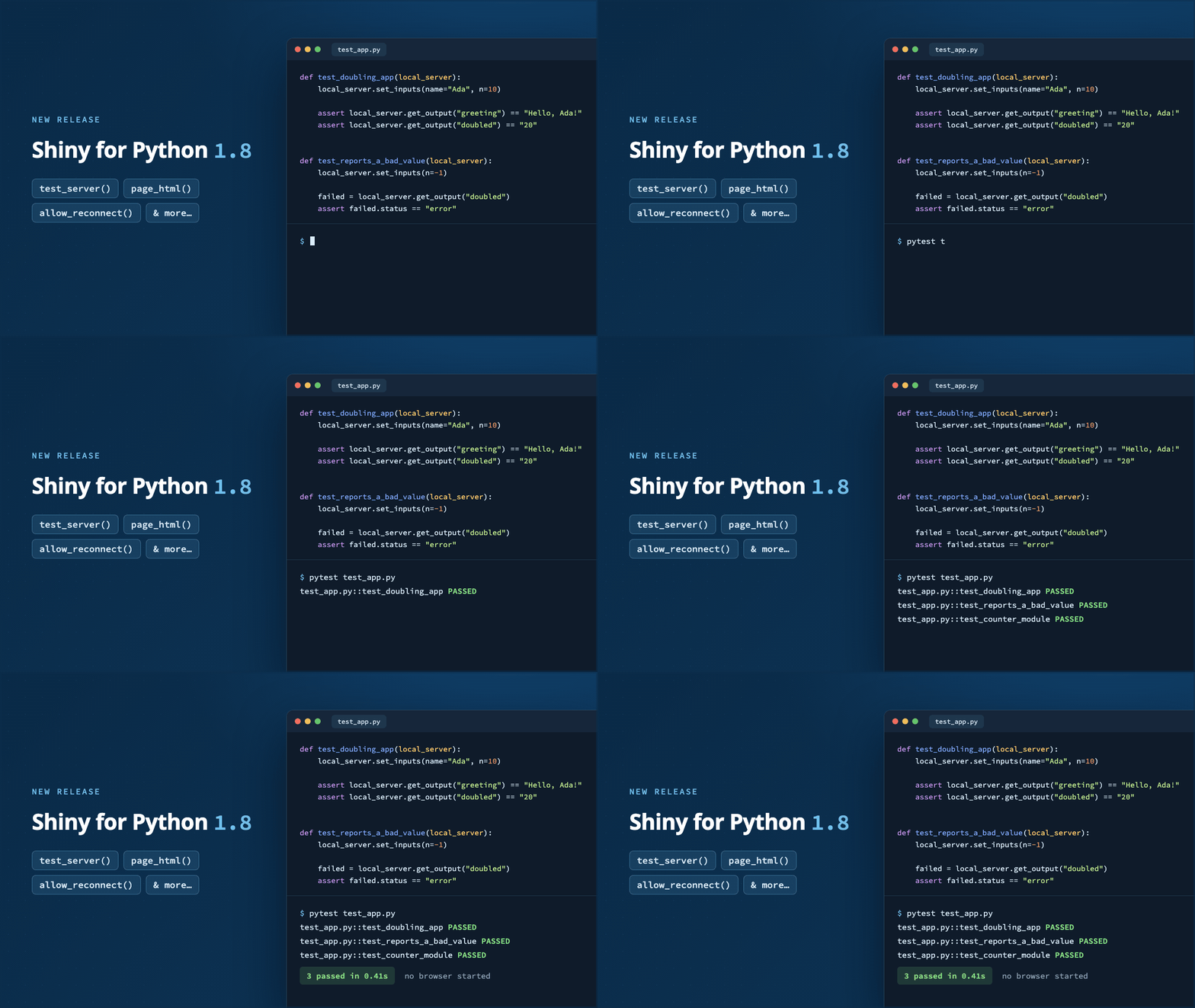
New in v1.8, shiny.testserver.test_server() runs a server function, Express app, or shiny.App against a mock connection. No browser, no network server, no async. Set inputs, let the reactive graph settle, and assert on outputs, all in an ordinary pytest test. It’s the Python counterpart to Shiny for R’s testServer().
For the common case, an app.py next to your test file, the new local_server pytest fixture is the whole setup:
def test_doubling_app(local_server):
    local_server.set_inputs(name="Ada", n=10)

    assert local_server.is_ok
    assert local_server.get_output("greeting") == "Hello, Ada!"
    assert local_server.get_output("doubled") == "20"

    # Inputs you don't name keep their values, so `name` is still "Ada".
    local_server.set_inputs(n=21)
    assert local_server.get_output("doubled") == "42"
local_server is the in-memory sibling of the existing local_app fixture, but function-scoped: a session remembers the inputs set so far, so each test gets a fresh one.
Each output also reports how it turned out, which is what to reach for when the assertion isn’t about equality:
def test_reports_a_bad_value(local_server):
    local_server.set_inputs(n=-1)

    assert local_server.is_ok is False
    failed = local_server.get_output("doubled")
    assert failed.status == "error"
    assert "must be positive" in failed.error
Modules work too. Reach into one with its namespaced id ("counter-n"), or take a scope and use the bare ids the module’s own code uses:
def test_counter_module(local_server):
    counter = local_server.make_scope("counter")
    counter.set_inputs(n=7)
    assert counter.get_output("label") == "n=7"
And when you need something other than app.py, call test_server() directly as a context manager. It accepts a path, a shiny.App, or a bare server function (handy for testing a module’s server function on its own):
from shiny.testserver import test_server


def test_the_other_app():
    with test_server("other_app.py") as ts:
        ts.set_inputs(n=10)
assert ts.get_output("tripled") == "30"A real browser reports things like output sizes and the page URL back to the server, and @render.plot needs a width and height before it can draw. test_server() sends sensible stand-ins for all of these as soon as the session starts, so plots render out of the box. Override them with client_data=, or change one output’s size mid-test with set_inputs().
The bundled shiny-for-python Agent Skill has a new test-server topic as well, so coding agents reach for in-memory server tests instead of hand-built sessions or a browser when only server logic needs checking.
New to testing Shiny apps? Start with Unit testing and End-to-end testing on the Shiny for Python website, then browse the testing API reference.
Bring your own HTML document#
Shiny’s ui.page_*() functions build the HTML document for you. That’s usually what you want, but sometimes you already have one: the index.html a JS bundler like Vite emits, a hand-written template, or a page produced by another tool entirely.
ui.page_html() takes that document, as a string or a Path, and serves it as-is. Shiny’s own HTML dependencies (plus any you pass via extra_deps=) are inserted where you put a placeholder <meta> tag, and their files are served by the app:
<!doctype html>
<html>
  <head>
    <meta name="shiny-dependency-placeholder" content="">
    <script type="module" src="/assets/index.js"></script>
  </head>
  <body>
    <div id="app"></div>
  </body>
</html>
from pathlib import Path
from shiny import App, ui
app_dir = Path(__file__).parent
def server(input, output, session):
...
app = App(ui.page_html(app_dir / "index.html"), server)If your document marks the spot differently, set deps_replace_pattern=. And because ui.page_html() returns a regular UI object, you can return it from a UI function (App(ui=lambda request: ...)), which is what bookmarking requires.
In Express, pass the document to ui.page_opts(html=). The whole app is routed through ui.page_html(): top-level UI markup is dropped, since the document already is the page, but any HTML dependencies it brings along are kept.
This is the Python counterpart to Shiny for R’s shinyApp(ui = htmlTemplate("index.html", document_ = TRUE)) with attachDependencies().
Session reconnection#
When the websocket between the browser and the server drops, Shiny shows the “Disconnected from server” overlay and the client gives up. If your hosting environment keeps sessions alive after a client disconnects (Posit Connect and Shiny Server both can), that’s a missed opportunity: the session is still right there.
session.allow_reconnect(True) tells the client to instead show a countdown dialog and try to reconnect. On success, the browser sends its current input values back to the server, and the server recalculates outputs and sends them down again. Users pick up right where they left off after a flaky Wi-Fi blip or a laptop lid closing.
from shiny import App, ui


def server(input, output, session):
    session.allow_reconnect(True)
    ...


app = App(ui.page_fluid(...), server)
Pass "force" to attempt the reconnect anywhere, which is useful for exercising the countdown UI on a local shiny run server (where the attempt starts a fresh session rather than resuming the old one). This is the Python counterpart to Shiny for R’s session$allowReconnect().
Deprecation: ui.output_text_verbatim()#
ui.output_text_verbatim() now emits a ShinyDeprecationWarning. It has long been a leftover from Shiny for R’s verbatimTextOutput(), and Python has had clearer names for both jobs for a while:
- For code or other monospaced text, use
ui.output_code()with@render.code. - For plain text, use
ui.output_text()with@render.text.
The matching Playwright controller, playwright.controller.OutputTextVerbatim, is deprecated alongside it; use playwright.controller.OutputCode instead.
Other improvements#
A few more changes worth a quick mention. The full list is in the changelog:
- Closing a session no longer destroys the reactive values and calcs created in it. Since v1.6.1, refreshing the page while an
@reactive.extended_taskwas in flight could raiseDestroyedReactiveErroronce it settled. Values and calcs are now left readable at their last value and reclaimed by garbage collection; effects are still destroyed on close. ui.input_slider()andui.update_slider()now encodedatetime.datevalues as UTC midnight, matching Shiny for R, so they no longer shift by a day when the server runs in a timezone ahead of UTC. Naivedatetime.datetimevalues round-trip unchanged too.@render.download_buttonand@render.download_linknow honor@output(id=). Previously the URL and the registered handler disagreed on the id, so clicking the control returned a 404.@expressifyand@render.expressno longer fail withRuntimeError: Failed to find function '...' in ASTwhen another decorator has changed the function’s__name__, a pattern often used to give each@render.expressfunction in a loop a unique output id.- Navsets created with an
idnow use it as theirdata-tabsetid, so tab panes get stable DOM ids instead of ones built from a random integer. This makes the markup reproducible and easier to target from custom CSS and JavaScript. (Thanks, @pevolution-ahmed!) ui.show_offcanvas()now accepts theidof anui.offcanvas()panel already in the UI, matchingui.hide_offcanvas()andui.toggle_offcanvas(). It also accepts bare tag content, wrapping it in a new anonymous panel.@render.data_framenow renders data frames whose column names are empty or not strings; column ids are positional and never derived from the name.@render.uioutputs inside aui.popover()orui.tooltip()without atitle=no longer get stuck showing “recalculating”.shiny run --app-dir <dir> <app>now honors--app-dirfor Shiny Express apps.ui.input_task_button(type=None)no longer drops the class its input binding needs, so the button is bound and clicking it works.playwright.controller.Offcanvasgainsopen(),loc_trigger,loc_title,loc_footer, andexpect_title(),expect_footer(), andexpect_placement().playwright.controller.InputSelectizeno longer clicks the page body to close its dropdown, so a test can’t accidentally fire the app’s own click handlers.
In closing#
We’re excited to see what you build (and test) with this release. As always, if you have questions or feedback, join us on Discord or open an issue on posit-dev/py-shiny. Happy Shiny-ing!
Acknowledgements#
A big thank you to all the folks who helped make this release happen by opening issues and contributing code:
@ambevill, @arabidopsis, @bealdav, @chernojagne, @ChidiebereNjoku, @cpsievert, @danieldebondt-tf, @drewe7192, @eeshsaxena, @ErdaradunGaztea, @FBruzzesi, @gadenbuie, @jat255, @jubilee2, @karangattu, @kramerrs, @MichielNoback, @mykolaskrynnyk, @nightcityblade, @nvelden, @pevolution-ahmed, @saisharan0103, @schloerke, @shawnboltz, @tjpalanca, @weichisyu, and @xiruizhao.